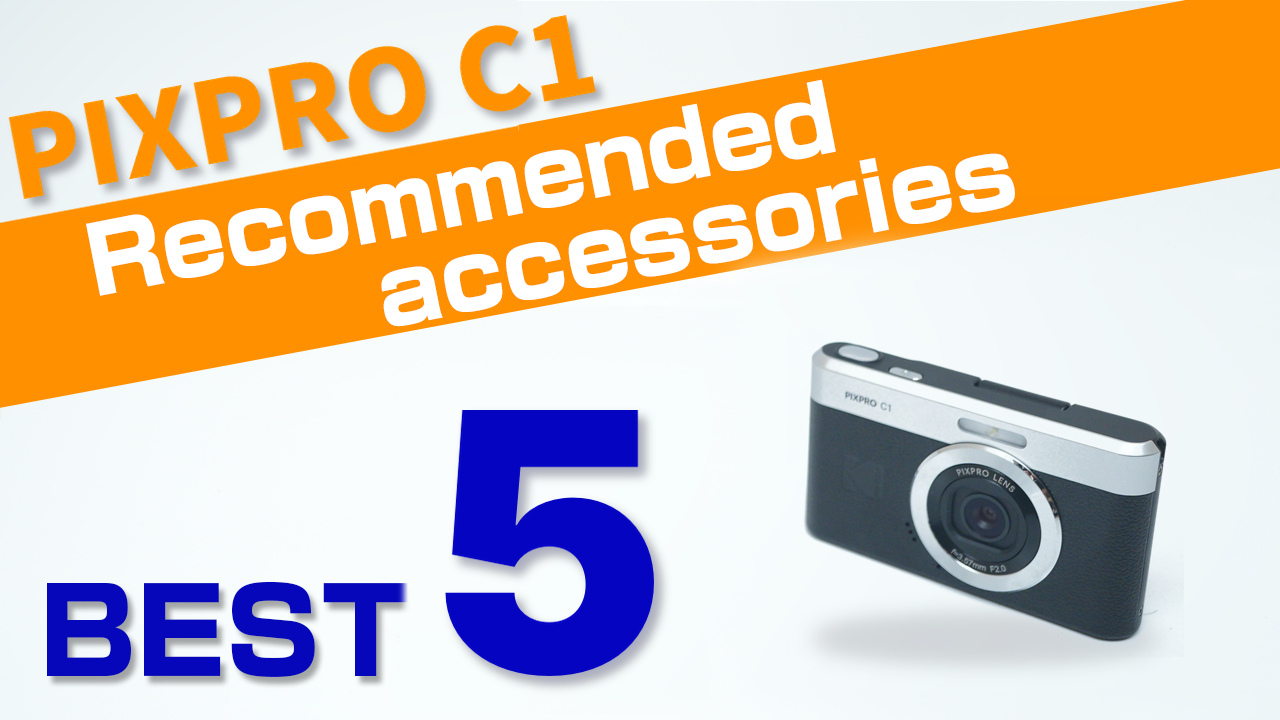
Over the years, I’ve used a variety of cameras,
and today I want to share some of the accessories I’ve been really glad I bought.
From must-have tools for shooting to protective gear for your camera,
these items have made a big difference in my photography.
They’ve also helped me keep my gear in great shape—so I could resell it at a higher price
when upgrading to a better camera.
If you’re planning your next step up, these picks are definitely worth checking out.
microSD Card
When buying a memory card, what matters most isn’t whether it’s cheap or expensive—
it’s choosing one that’s best suited for your KODAK PIXPRO C1, so your camera can perform at its full potential.
That said, many beginners feel overwhelmed by all the numbers printed on memory cards,
and aren’t sure which specs really matter.
So in this post, I’ll introduce a recommended microSD card that is perfect for the KODAK PIXPRO C1,
to help you make a smart and confident choice!
Points to consider when choosing
The C1 is a little different from most cameras, so there’s one key point to keep in mind!
- Tips for choosing
- Choose a microSD / microSDHC card of up to 32GB, Class 10 or higher!
The C1 uses microSD cards (regular SD cards won’t fit), and the maximum capacity is 32GB.
Cards of 64GB or more (microSDXC) are not supported, so a 32GB card is all you need.
How much can a 32GB card record?
| 32GB | |
| Still images (13MP) file size | approx. 1.45MB (fine) / 1.11MB (standard) per image |
| FHD 1080p (30fps) recording time | approx. 314 min (5h 14m) |
| FHD 1080p (60fps) recording time | approx. 222 min (3h 42m) |
| HD 720p (30fps) recording time | approx. 954 min (15h 54m) |
| HD 720p (60fps) recording time | approx. 537 min (8h 57m) |
| Product page | Take a Look |
The SanDisk Ultra 32GB microSDHC is a best-selling UHS-I Class 10 card with read speeds of up to 120MB/s — a reliable, affordable choice for stills and Full HD video on the C1.
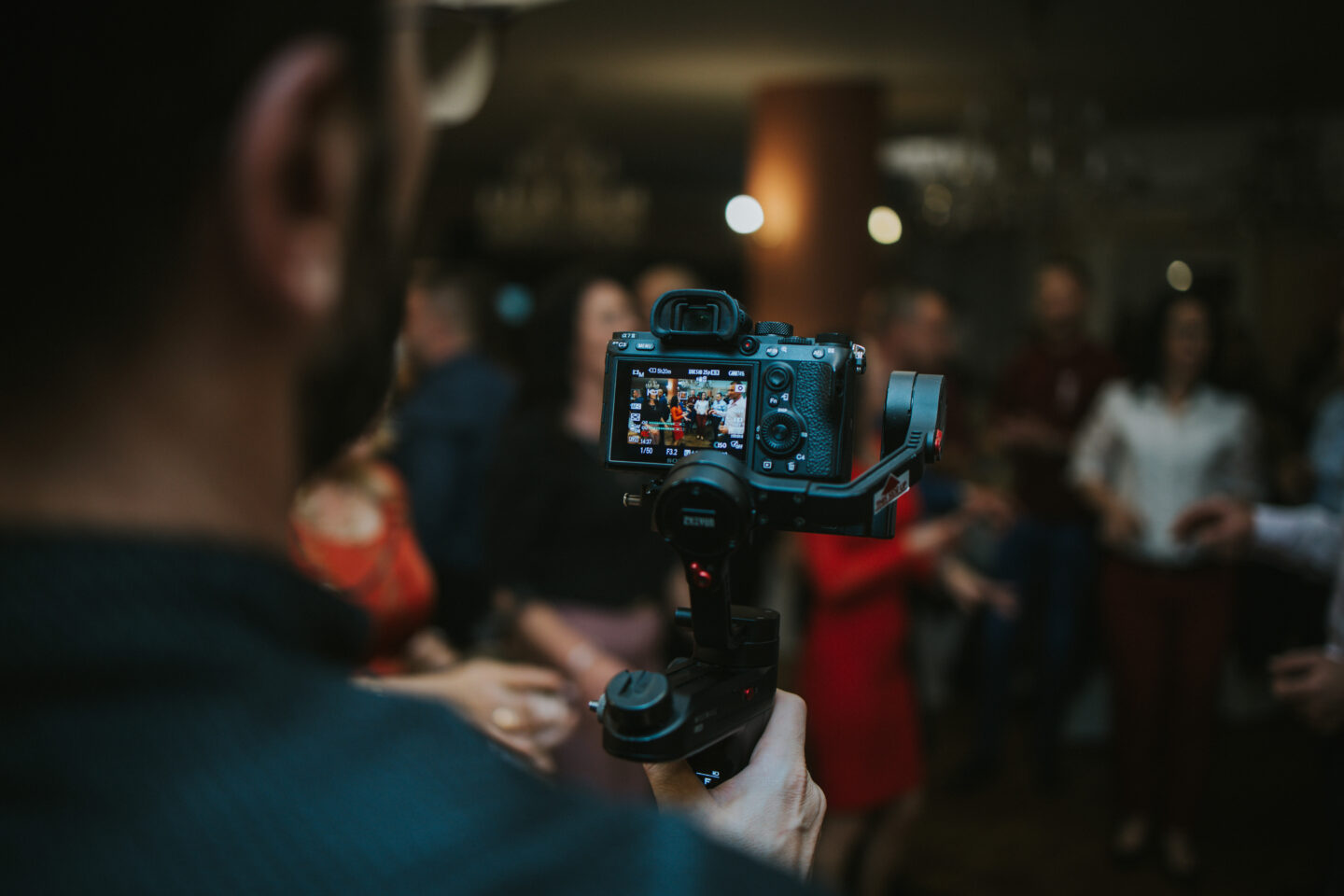
Velbon Family Tripod EX-440
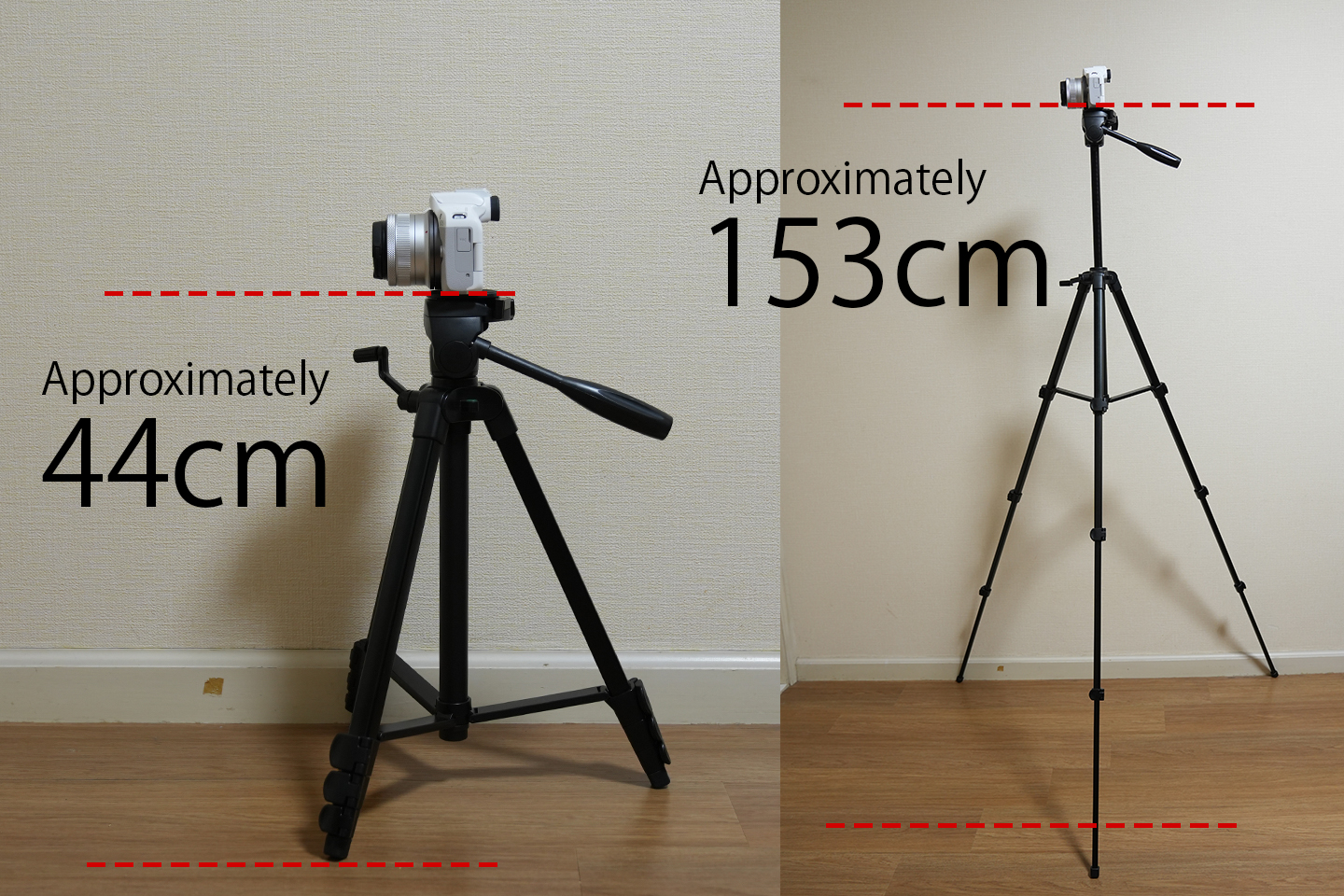
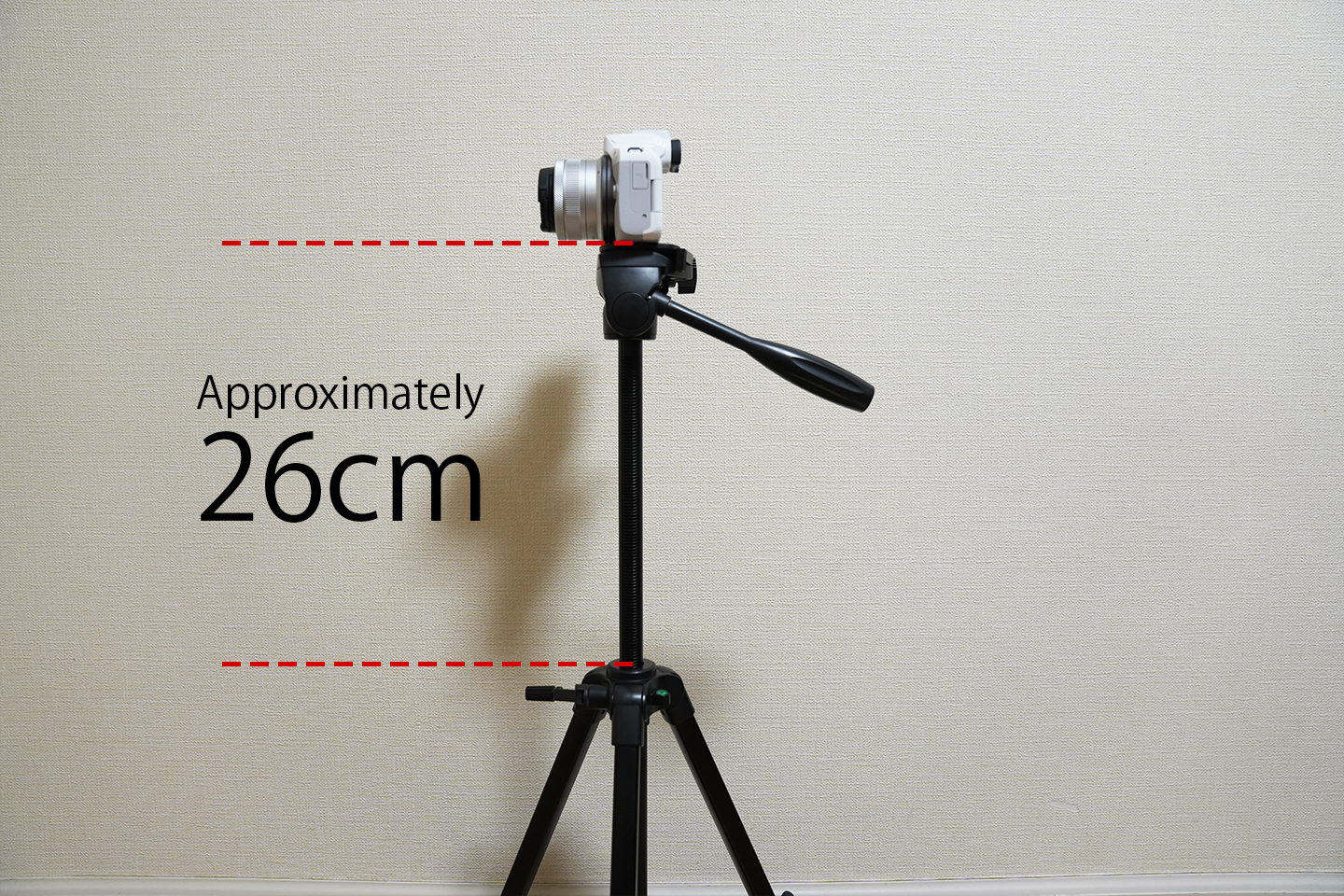
You may not be able to imagine many situations in which you would use a tripod, but it is actually a very useful item.
For example, a tripod is essential for the following scenes:
- Photographing the fantastic effects of waterfalls
- Photographing light trails
- Photographing fireworks
- Photographing sunrises and sunsets
- Photographing stars
- Photographing night scenes
There are expensive tripods that cost thousands of yen,
but I wouldn't recommend something that expensive for a beginner.
You can buy one for as little as a few thousand yen. Even at this level, they're still quite practical, so I recommend them.
Manfrotto Mini Tripod PIXI
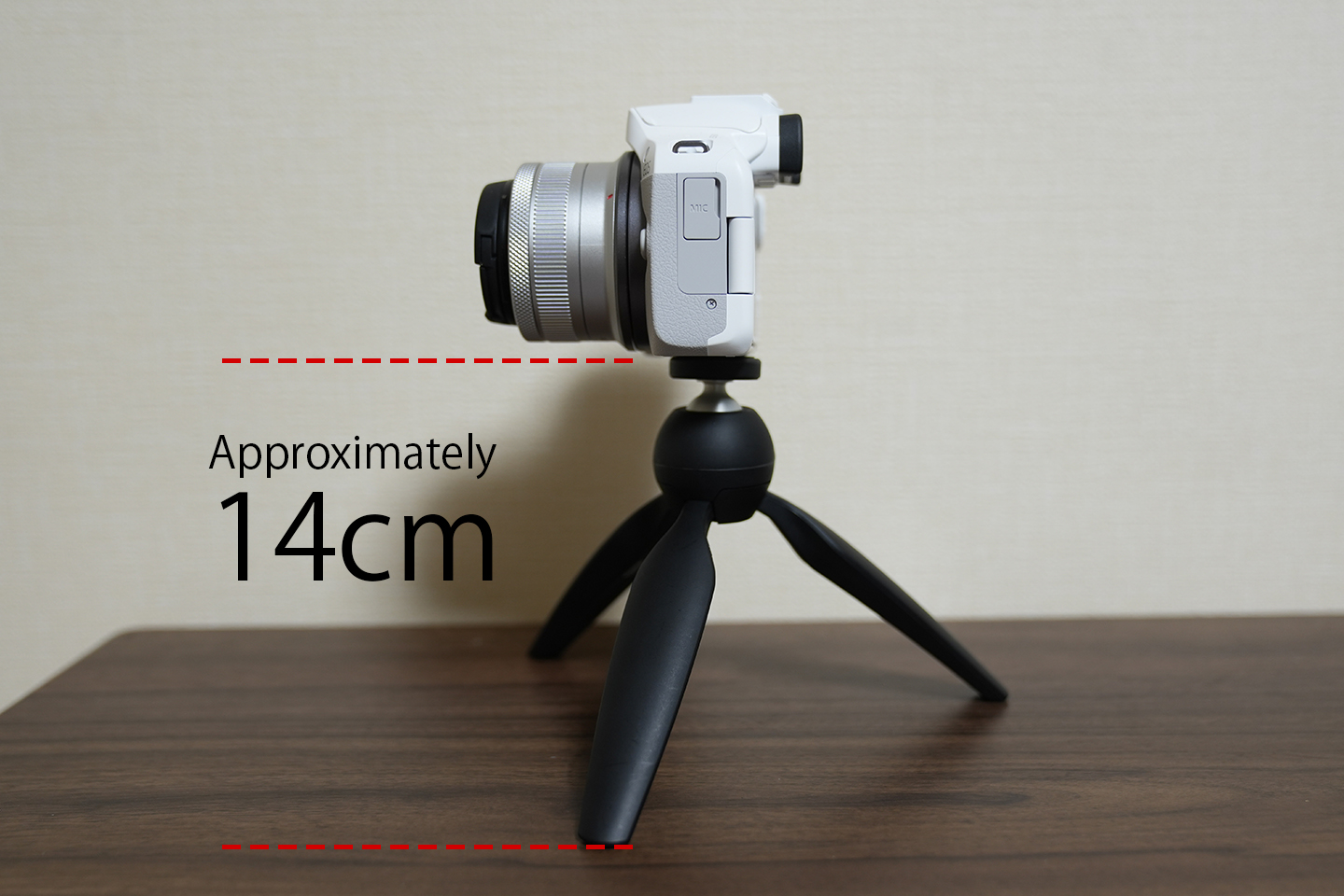
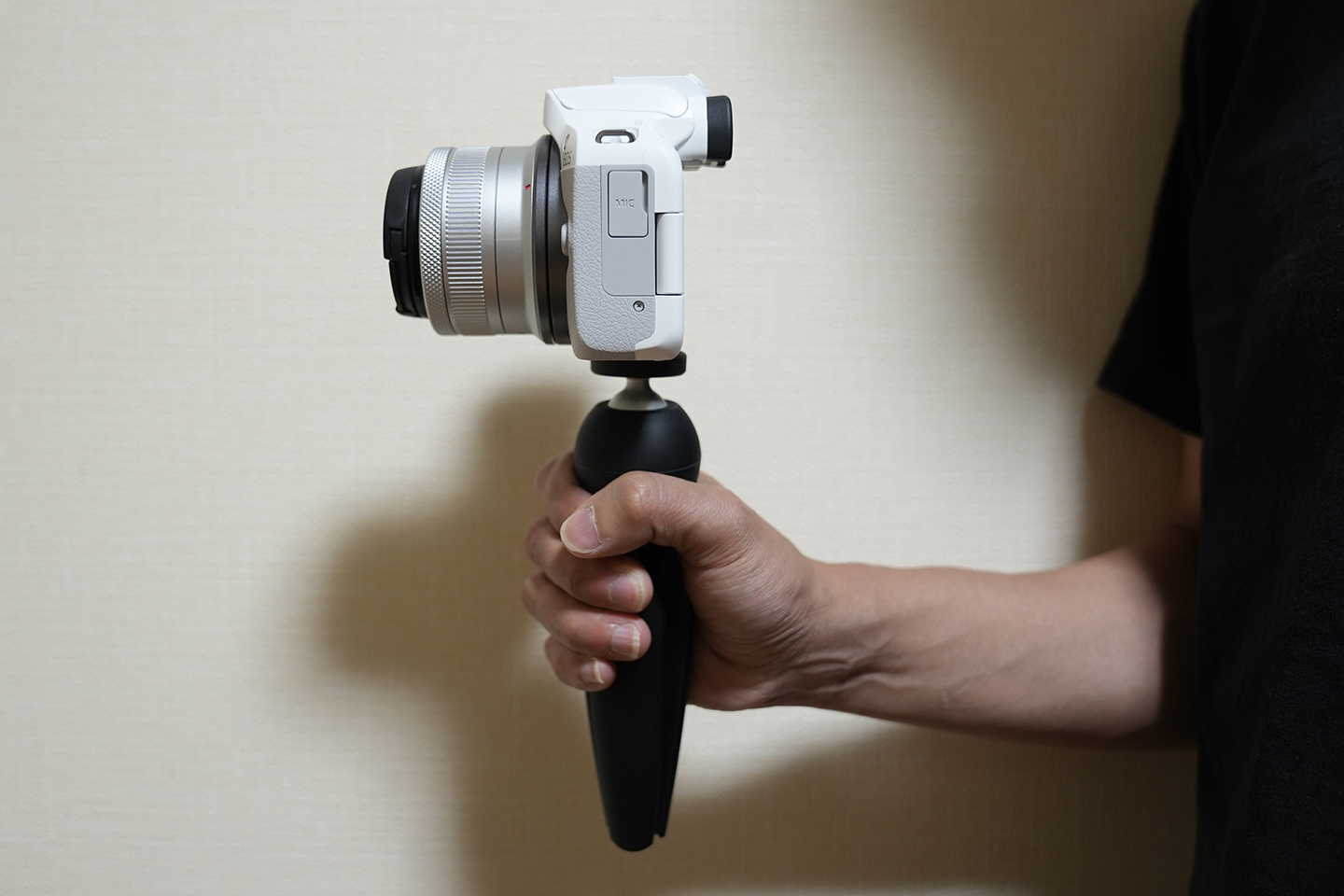
The EX-440 tripod introduced earlier is quite lightweight, but some people may want something lighter and easier to carry.
In that case, we recommend the PIXI.
It's very convenient to carry around.
What's more, this Manfrotto tripod can be folded up like a stick and held like a grip.
This means it's easy to use for shooting videos such as vlogs, so it really kills two birds with one stone!
This is an especially popular mini tripod.
protective film
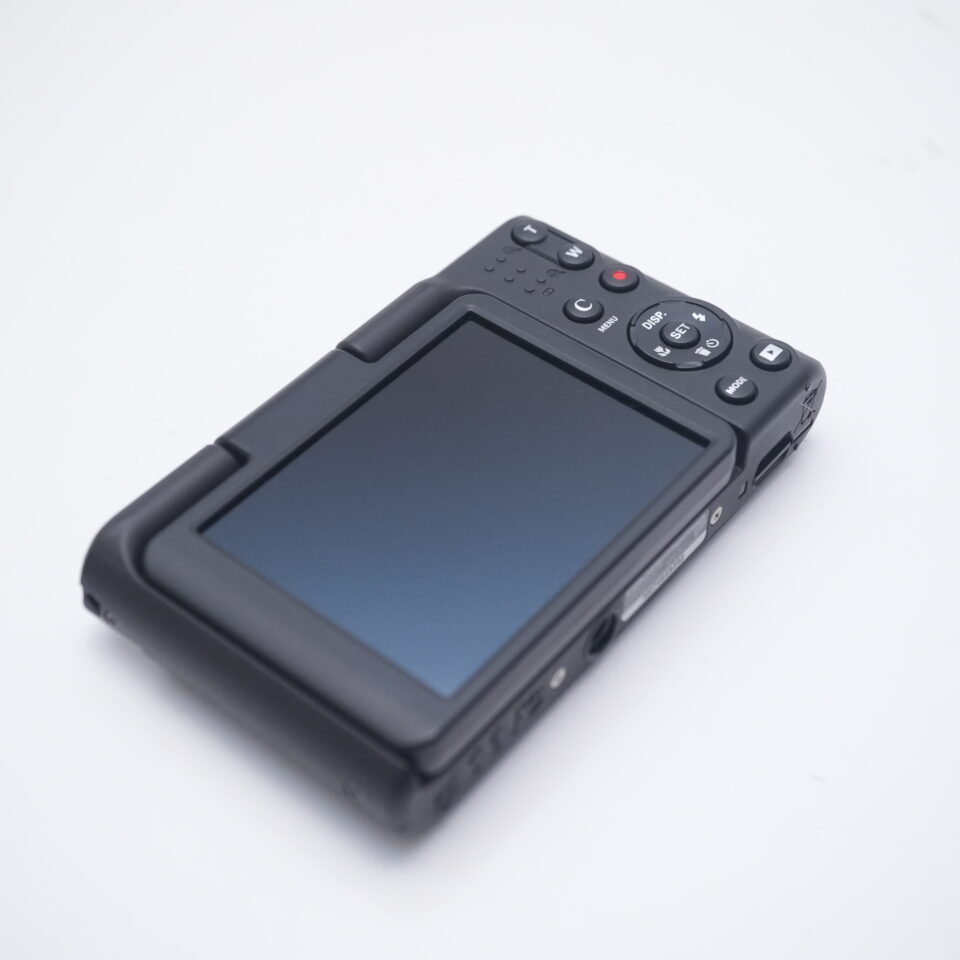
As mentioned at the beginning, if you want to sell your camera for a high price, it's important to prevent scrapes and scratches.
This is especially important for cameras with touchscreens.
That's why we highly recommend using a screen protector.
This JJC 9H tempered-glass screen protector is made to fit the PIXPRO C1, with an anti-fingerprint, scratch-resistant finish. Each pack includes 3 sheets.
K&F Concept Camera Cleaning Kit
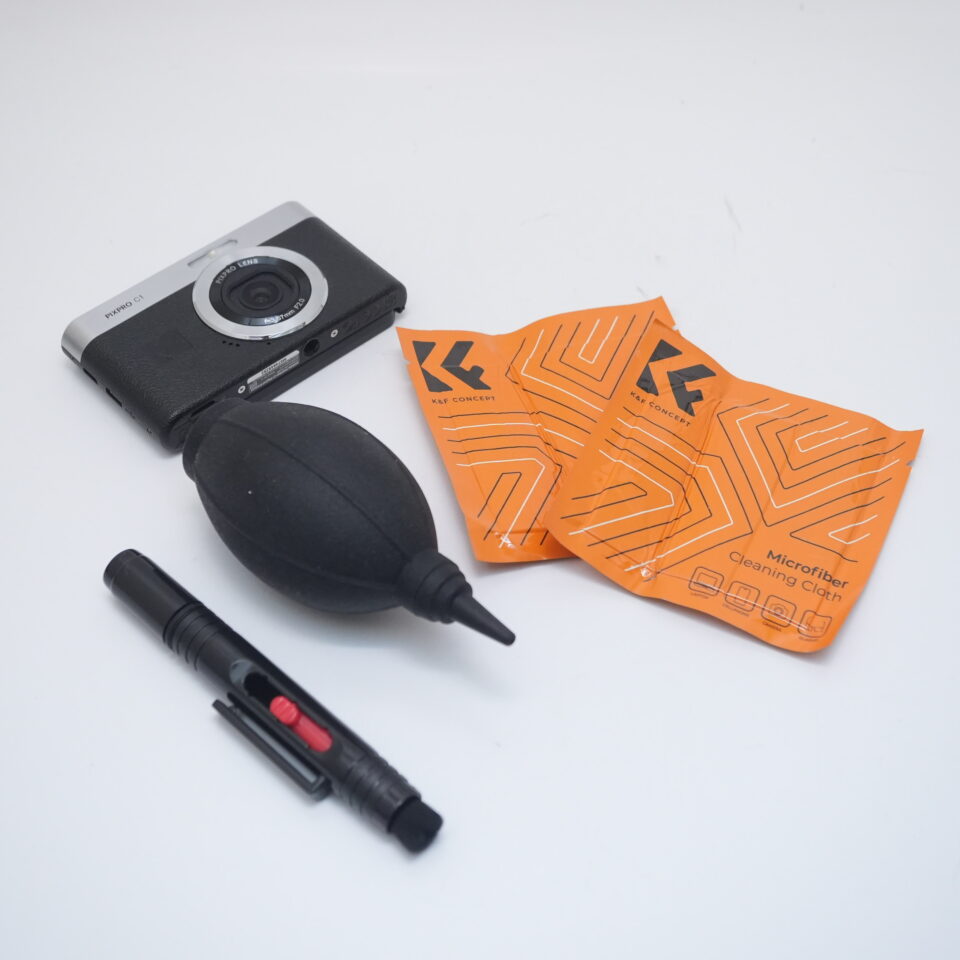
We recommend the K&F Concept camera cleaning kit, which also comes with a lens cleaner.
It's a three-piece set that includes a blower, cleaning pen, and cleaning cloth.
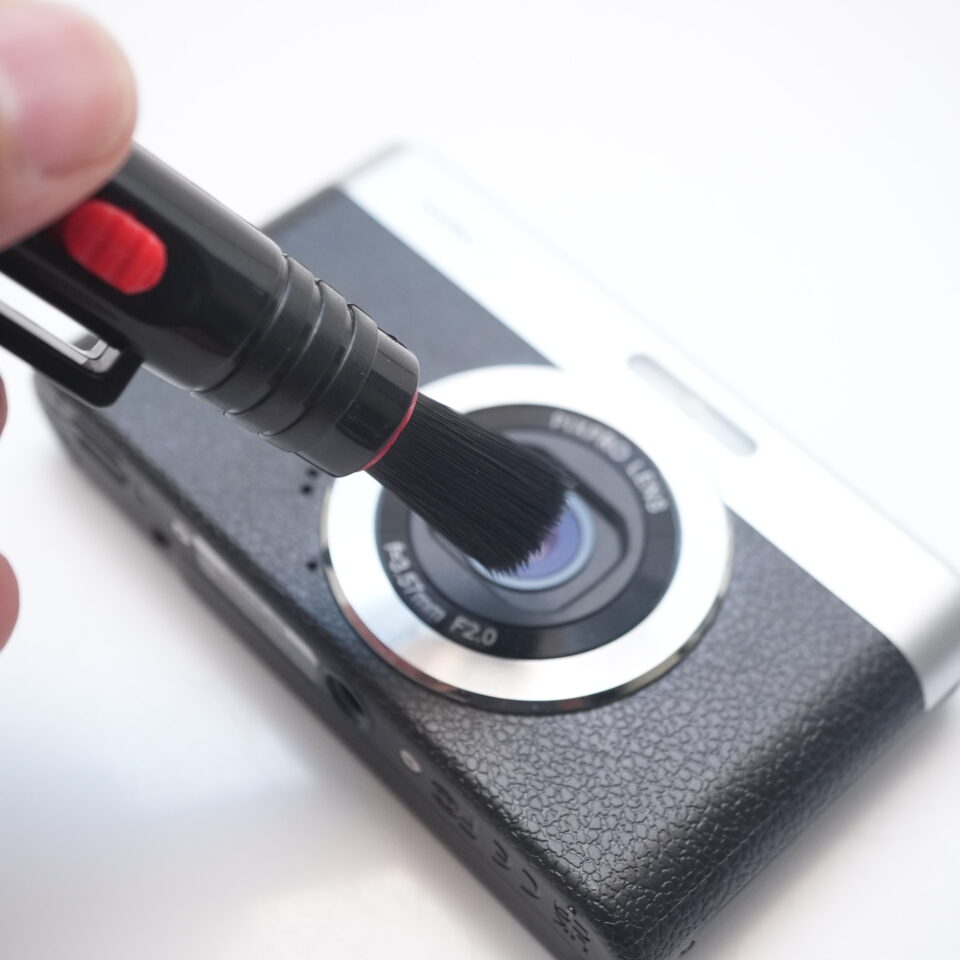
Camera sensors are very sensitive.
If there is dirt on the sensor and you wipe it with a cloth, it will get even dirtier, and you can see at a glance that something has touched the sensor.
I've had mistakes like this myself,
but you can use a blower to blow away tiny dust particles and keep it clean.
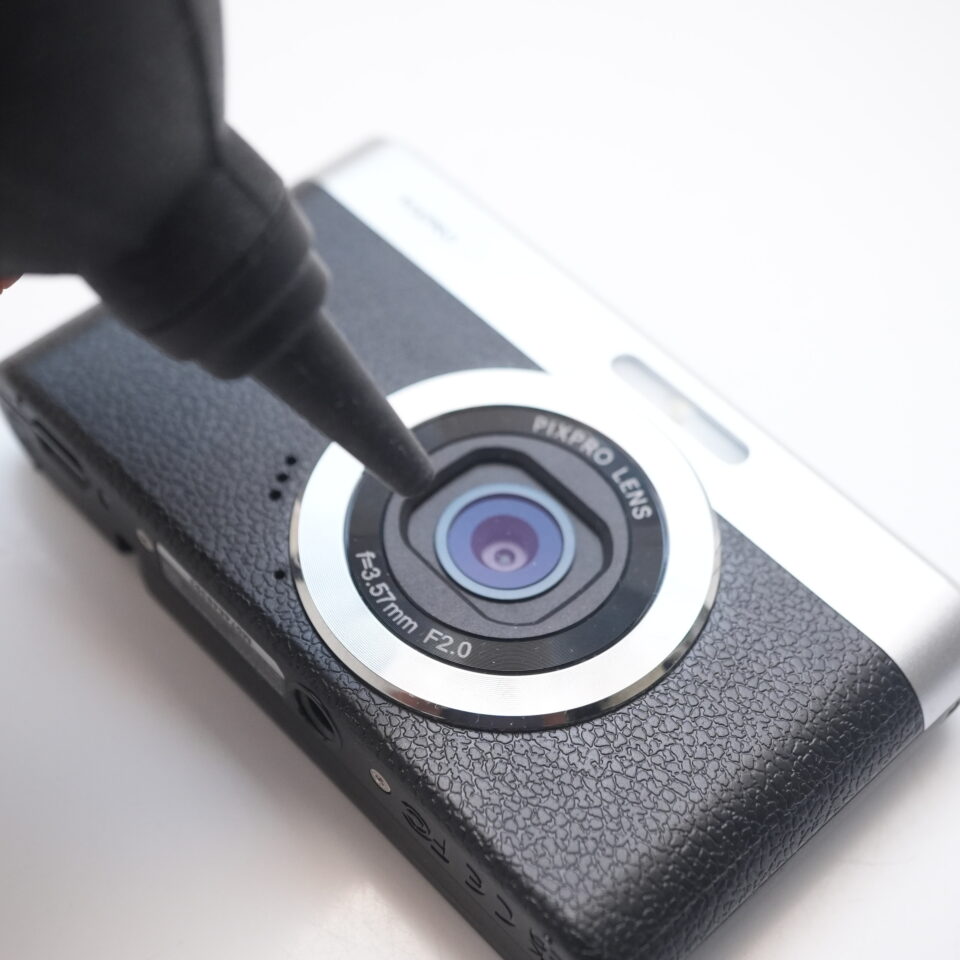
Using a cleaning pen allows you to remove dust without scratching the lens surface.
We also explain how to set up your camera, so be sure to take a look at that as well.